

Apps / FotoCloud

FotoCloud
Geier-IT
Camera app: photos go straight to your own cloud, sorted by date.
- Free
- Nextcloud and WebDAV
- No ads
- Android 8 or later
Images from the app
-
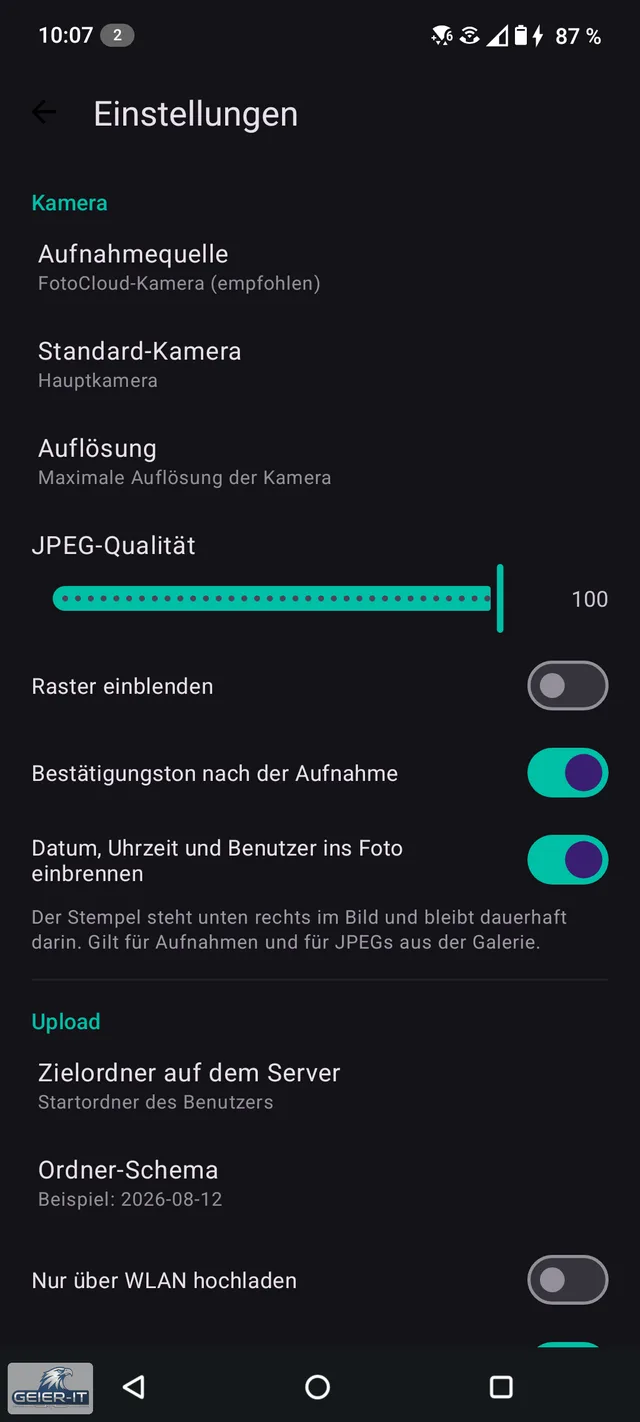
Settings: camera, resolution, JPEG quality, stamp and target folder on the server.
-
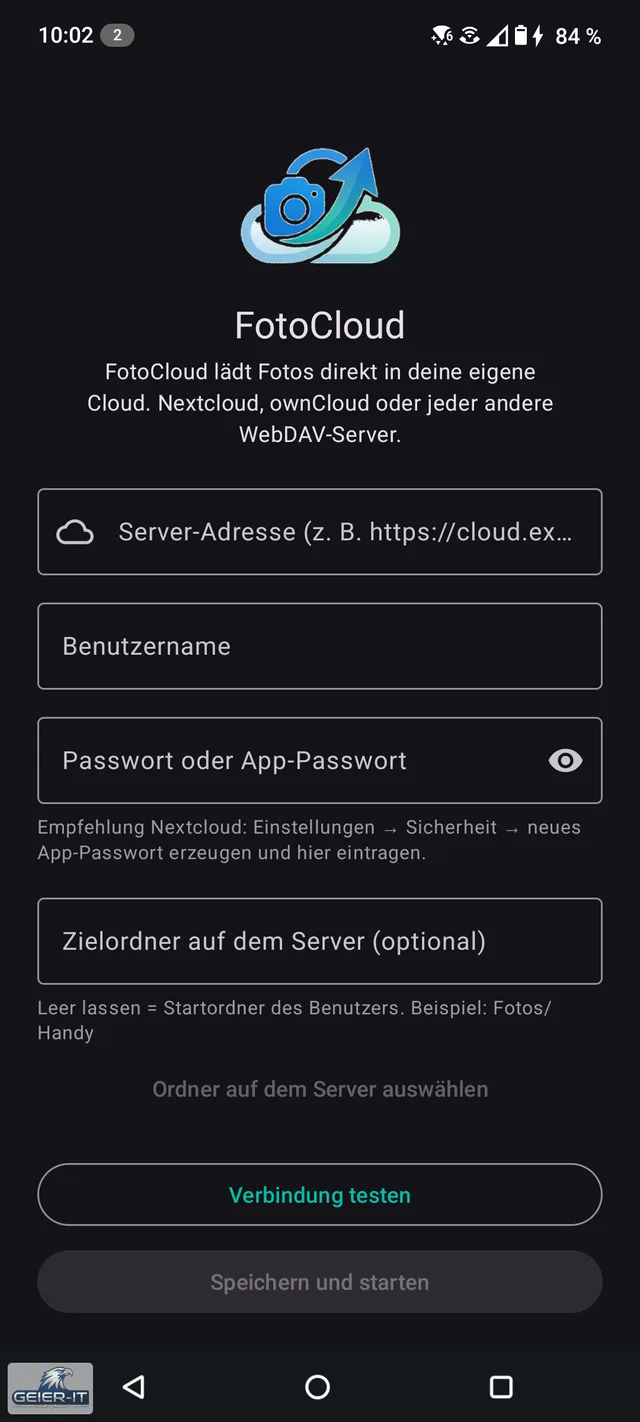
Setup: server address, user name, password or app password, and target folder.
-
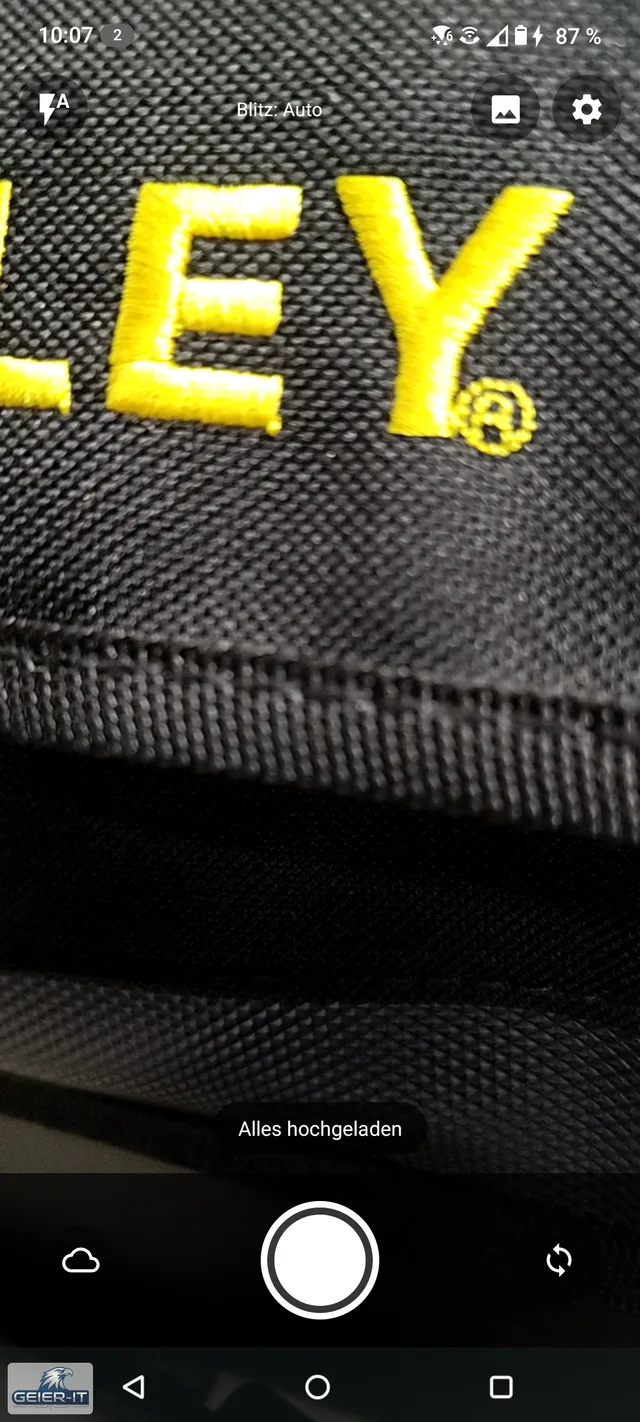
Camera with flash, gallery and settings; at the bottom the note “Everything uploaded”.


About this app
FotoCloud takes photos and uploads them straight to your own server, without going through the gallery and without a third-party data centre. You enter your server address, sign in and take pictures. The photo goes directly to you and then disappears from the device.
How it works
- Enter your server: Nextcloud, ownCloud or any other WebDAV server
- Take the photo
- Done: the photo is on your server, in a separate folder for each day it was taken, for example 2026-08-12
Nothing gets left behind
- Photos never end up in the gallery and are deleted from the device after uploading
- Without a connection they wait visibly in a queue and are uploaded automatically later, even with the screen locked
- The date comes from the photo itself, so photos uploaded later also land on the right day
For construction sites and maintenance
- Optional stamp with date, time and user name in the bottom right corner of the photo
- Browse and create folders on the server directly in the app
- Upload existing pictures from the gallery later; the app only sees the pictures you select
Camera
- Full resolution, any supported resolution selectable, adjustable JPEG quality
- Flash automatic, on or off; rear and front camera
- Pinch to zoom, tap to focus, rule-of-thirds grid
- Portrait and landscape, confirmation sound after taking and uploading a photo
Try it first
- Test mode without credentials: photos are taken and stamped, but nothing is uploaded
Requirements
Your own server with WebDAV, for example Nextcloud or ownCloud; with two-factor sign-in enabled, an app password. Android 8 or later.